SharePoint Document Integration
This application integrates with SharePoint to retrieve documents from a library and display them for download. Below, you can see the retrieved documents from the "Documents" library in the "AuthDemoSite" SharePoint site.
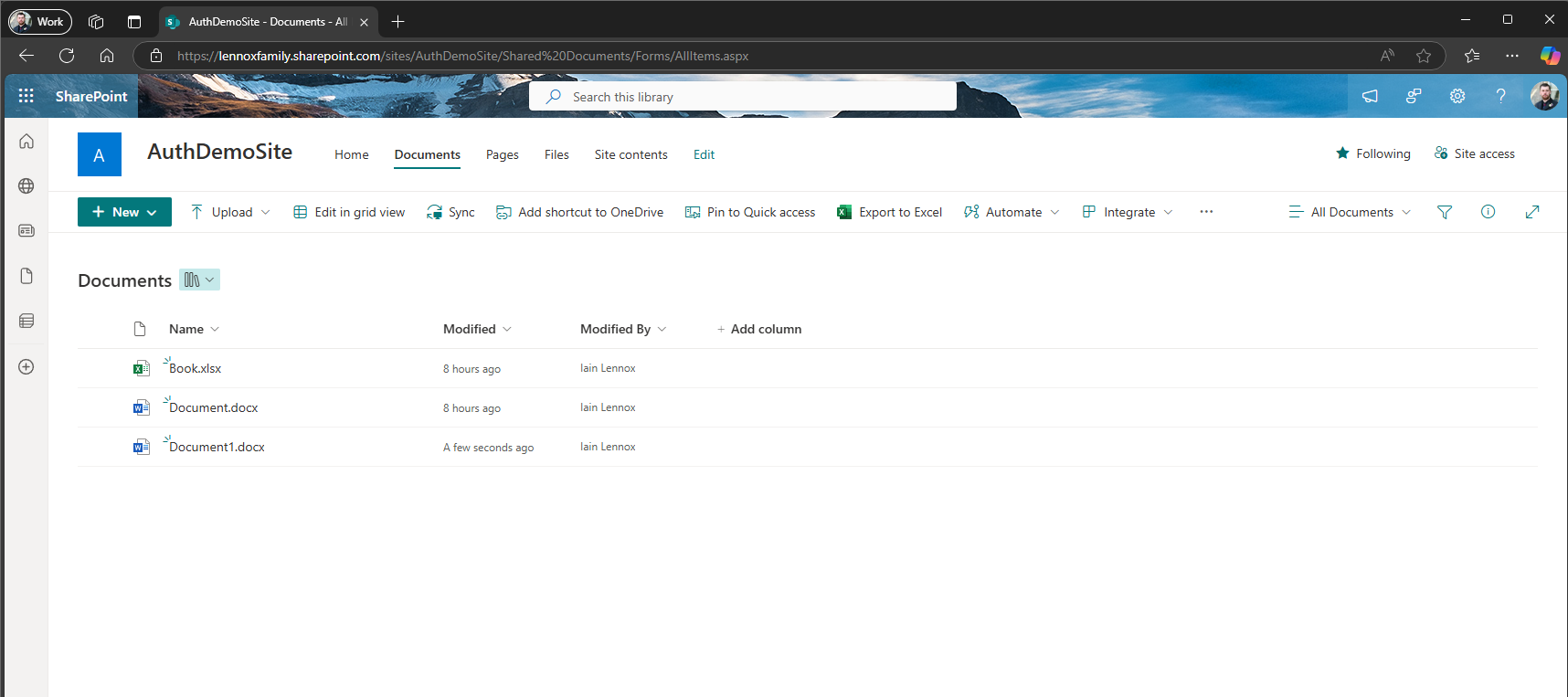
Screenshot of the SharePoint "Documents" library from the AuthDemoSite.
How the Code Works
The application uses the SharePoint REST API and Azure AD authentication to retrieve files. Here’s a high-level overview of the process:
- Authentication: The application uses an Azure AD app registration and an X.509 certificate to authenticate with SharePoint.
- Access Token Retrieval: The application retrieves an OAuth access token using the Azure AD credentials.
- Document Retrieval: A request is sent to SharePoint's REST API to fetch the documents in the specified library.
- Displaying Files: The files are listed with their names and download links in the view.
Key Code Examples
Select a code example to view:
1. Authentication and Access Token
X509Certificate2 certificate = new X509Certificate2(certPath, "PASSWORD", X509KeyStorageFlags.MachineKeySet);
IConfidentialClientApplication app = ConfidentialClientApplicationBuilder
    .Create(clientId)
    .WithCertificate(certificate)
    .WithAuthority(new Uri($"https://login.microsoftonline.com/{tenantId}"))
    .Build();
string accessToken = await app.AcquireTokenForClient(new[] { "https://lennoxfamily.sharepoint.com/.default" }).ExecuteAsync();This code authenticates with Azure AD using a certificate and retrieves an access token for the SharePoint API.
Documents
| File Name | Actions |
|---|---|
| Document.docx | Download |
| Book.xlsx | Download |
| Presentation.pptx | Download |